Chapter 9: Git & GitHub for AI-Driven Development
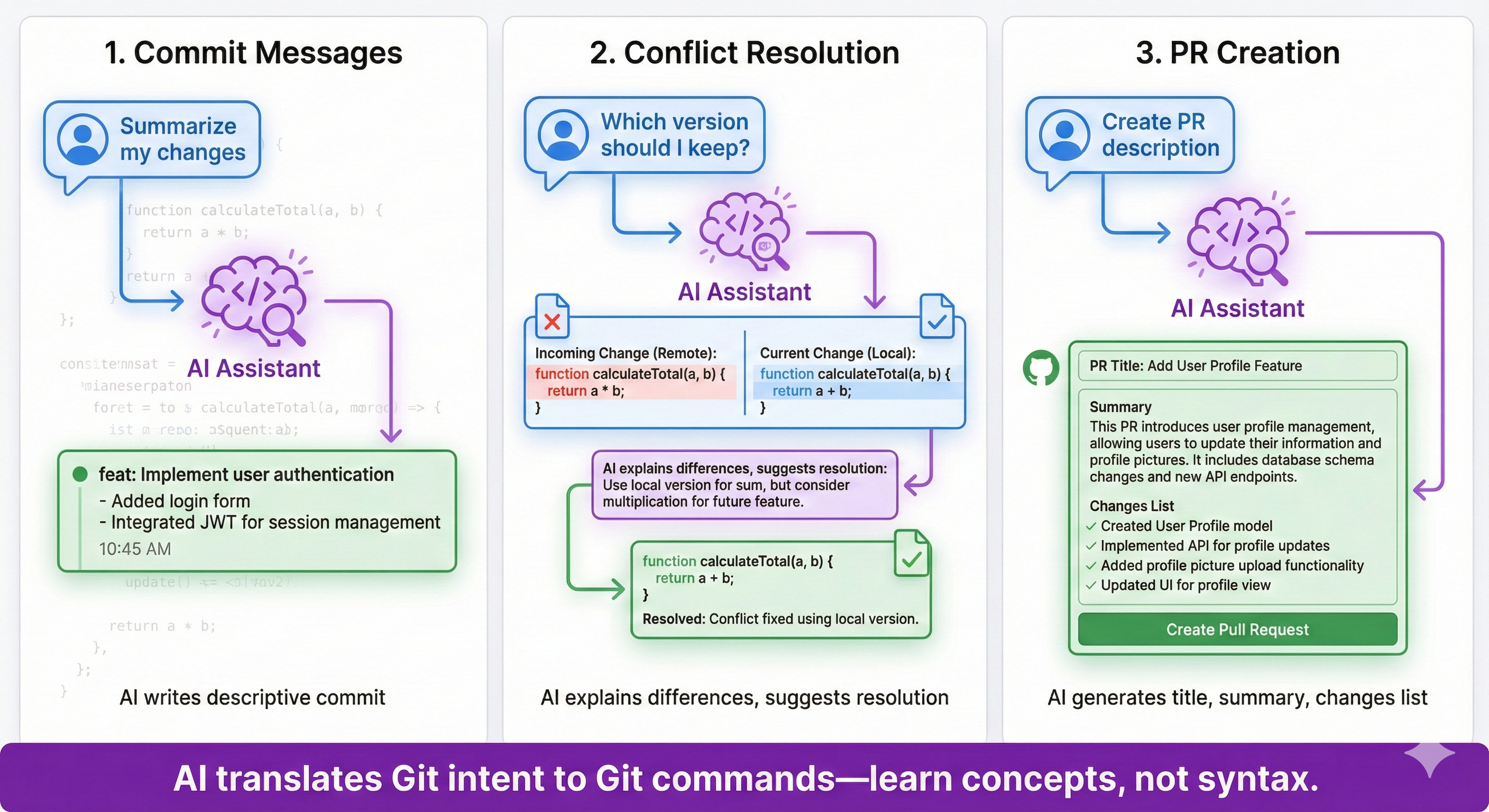
This chapter teaches you how to use Git and GitHub as essential safety mechanisms for AI-driven development. When working with AI coding assistants like Claude Code or Gemini CLI, Git provides a crucial safety net—allowing you to experiment freely, track every change, and undo mistakes instantly. You'll learn Git not by memorizing commands, but by asking your AI assistant to perform Git operations using natural language.
By the end of this chapter, you'll confidently use Git for safe experimentation with AI-generated code, connect your projects to GitHub for backup and portfolio building, set up a professional IDE with Git integration, and understand collaborative workflows through pull requests.
🎯 Before You Begin
What You'll Learn
By completing this chapter, you will be able to:
- Recognize why Git is essential for safe AI-assisted development and explain it in your own words
- Install and configure Git on your specific operating system (Windows, Mac, or Linux)
- Create a GitHub account and understand GitHub as cloud backup and collaboration platform
- Perform core Git workflows (init, status, add, commit, push) using natural language prompts to AI assistants
- Safely undo changes at different stages using appropriate Git commands via AI guidance
- Create and use Git branches to test AI-generated changes before merging to main code
- Connect local repositories to GitHub for backup, sharing, and portfolio building
- Create pull requests that document AI assistance and demonstrate professional Git workflows
By combining Bash navigation + Git version control + AI assistance, you can safely experiment with AI-generated code while maintaining full control over your project.